
The Programme
What is inside StrokePath
A working library of practical guidance across twelve care areas, seven in depth guides, and an education hub, with a daily plan that pulls from whichever areas matter most to you.
The care areas open inside the StrokePath app, not on this website.
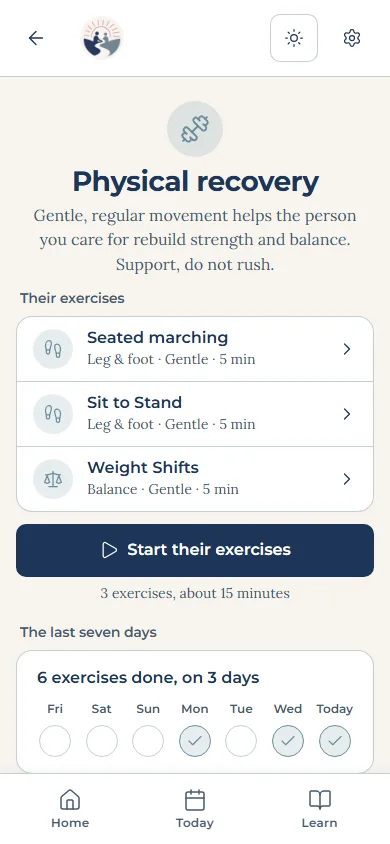
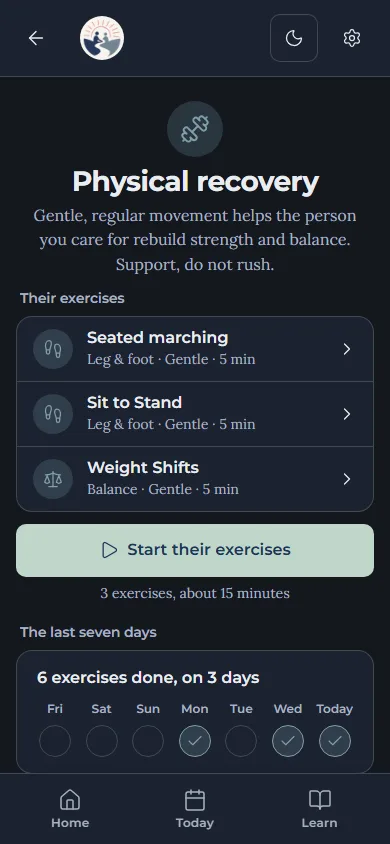
Care areas
Twelve care areas
Each one is a screen of its own, built around what that part of recovery actually asks of a family day to day.
Physical recovery
Movement, strength, and balance
Cognitive recovery
Memory, attention, and thinking
Communication & swallowing
Speech, language, and safe eating
Nutrition & health
Food, hydration, and medication
Emotional wellbeing
Mood, calm, and connection
Social support
Family, friends, and community
Daily routine
Today's plan and reminders
Safety & red flags
When to call for help
Positioning & comfort
Resting safely and avoiding sores
Transfers & mobility
Moving from bed to chair, and walking
Goals & progress
Small wins and steady progress
Home support
Setting up the home for recovery
They open inside the StrokePath app, not on this website. Become a member.
Education Hub
Seven in depth guides
Longer form guidance on the things that come up again and again, grouped so nothing arrives as a wall of text.
Caregiver training
80 topicsAphasia toolkit
82 topicsVision after stroke
53 topicsManaging fatigue
20 topicsReturning to driving
20 topicsMedication guide
39 topicsPreventing another stroke
49 topics
Like the care areas, they open inside the app, not on this website. Become a member.
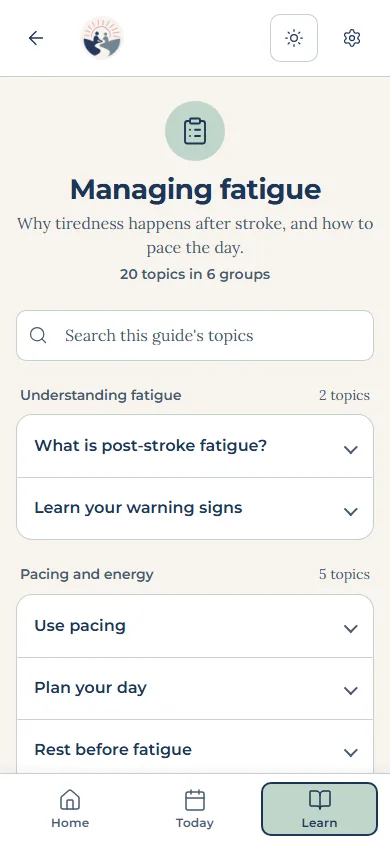
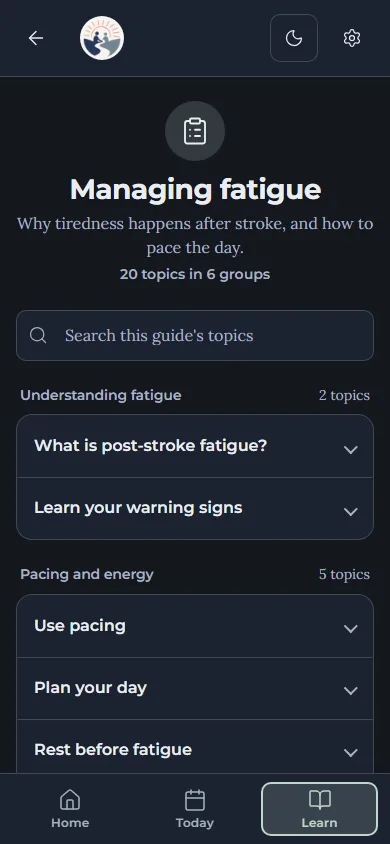
An education hub
110 topics across 11 sections, from what a stroke actually is through to getting back into the community. Some are full written articles and some are still summaries, and the hub shows which is which.
Who is writing the rest
The topics still sitting as summaries are being written out in full, and they are being commissioned from practising medical professionals rather than written in-house.
Recovery after a stroke crosses more than one speciality, so the articles and guides are being sourced across faculties: medicine and neurology, physiotherapy, occupational therapy, speech and language therapy, dietetics, psychology and social work. The questions families actually arrive with rarely respect the boundary between departments, and a hub written from a single perspective has gaps exactly where it is needed most.
Every piece is reviewed before it is published. Until it has been, the hub says so rather than letting it look finished.
What the library holds
Real clinical content, imported from the professionals' own working document rather than written for a website.
- communication flashcards
- 200
- speech exercises
- 107
- cognitive activities
- 100
- daily routine blocks
- 100
- meal ideas with texture guidance
- 80
- transfer guides
- 70
- goal templates
- 61
- exercises
- 60
- home support items
- 60
- red flags to watch for
- 45
- first aid entries
- 40
- helplines
- 29
And a plan for the day
You choose the areas that matter
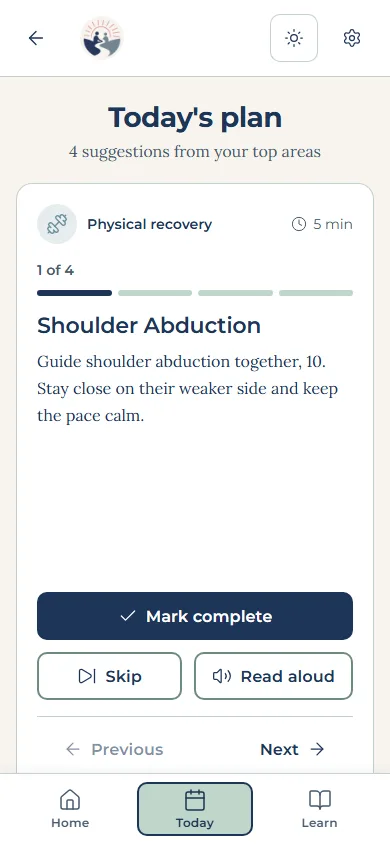
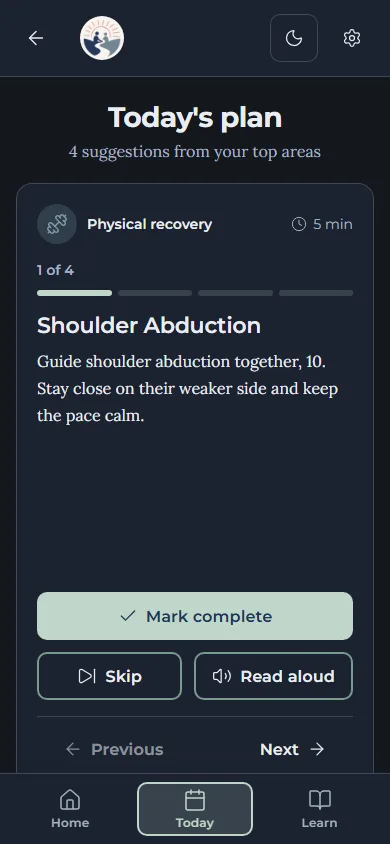
A short set of questions during setup suggests four to focus on. You confirm them, and change them whenever you like.
The day is built from those areas
Each one contributes an activity, drawn from the same clinical library, rotating so it does not become the same day repeated.
One thing at a time
Nothing shows you step three before step one. Mark something done and it moves on.
Built for the people who actually use it
Designed around impairment
Large touch targets, one action per screen, plain language at roughly a sixth grade reading level, and no interface that depends on colour alone to tell you something.
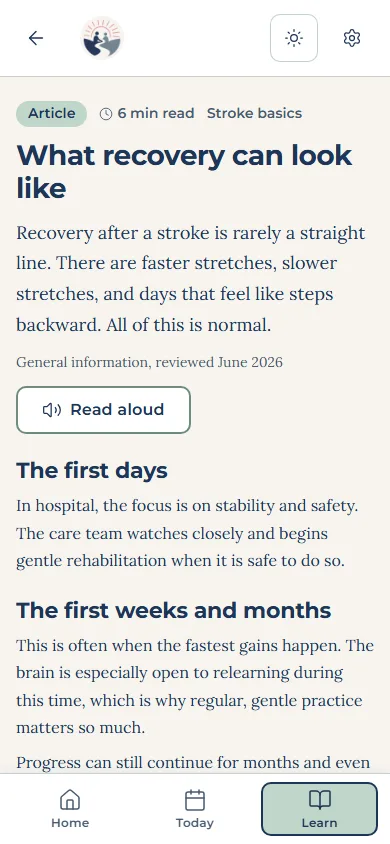
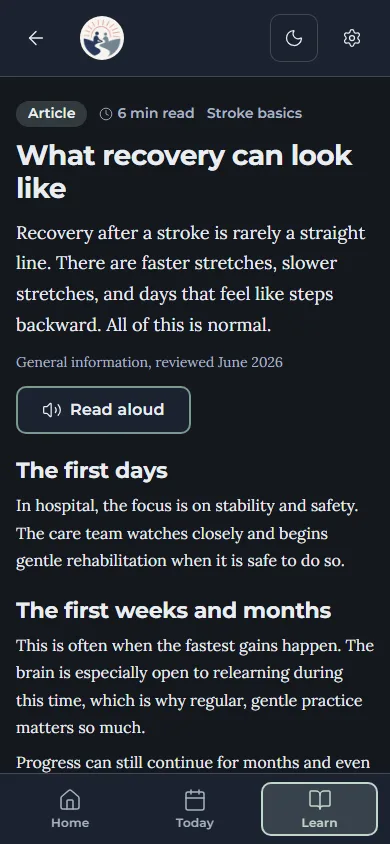
Read aloud
Guidance can be read out, with each word highlighted as it is spoken, for anyone finding reading hard.
Works without signal
It installs to a phone and keeps working offline once a screen has been opened, which matters on a metered connection.
Wording follows who you are
The same guidance is worded differently for a survivor and for a caregiver, and switches whenever you do.
Ready now, and growing
StrokePath is ready to use in full from the day it opens, and we keep adding to it: new features, more care areas and more Education Hub topics, each reviewed before it is published.
Content that carries real safety risk shows its review status inside the app until a clinical lead has signed it off, so you always know where a piece of guidance stands.
Recovery is a long road. You shouldn't have to guess your way along it.
StrokePath is open. Set it up once, around what matters most, and start with today's plan.